
Share →
Buffer
metro-visualstudio-128-link

As I have mentioned before I run all of my heavy weight software in a VM. That is one of the reasons that I love Windows 8… I can run Hyper-V. I want to be able to reinstall my local computer quickly, and to get back up and running fast.

I run many apps on my local computer, but they are things like Outlook, Windows Live Writer, Camtasia, Snagit and Diablo as well as any coms apps I need. I run Visual Studio in a VM so that I can reinstall my host and get back working fast, and I can also reinstall my Visual Studio VM while using my current one Smile.

Now VM’s can be slow, so I got me a faster system…

Figure: Booting Windows 8 on Hyper-V in under 10 seconds

… Thus I can boot any of my VM’s in 8-15 seconds depending on what I am running. The exceptions I have are older OS’s that don’t support the faster boot model.

The problem at hand is to create a VM with Visual Studio 2010, but running on Windows 8. I always install on a clean install. I don’t do upgrades as frankly its less painful to figure out how to bite the bullet and reinstall everything efficiently than to take the pain later of errors that I really don’t know wither they are coz of the product or the beta versions of some widget that I used to have two operating systems ago.

SNAGHTML3cbd37
Figure: Rigel is running Windows 8

Unlike the Server 2012 environment I don’t need to Snapshot. I don’t want the overhead and it makes the VM itself un-portable…
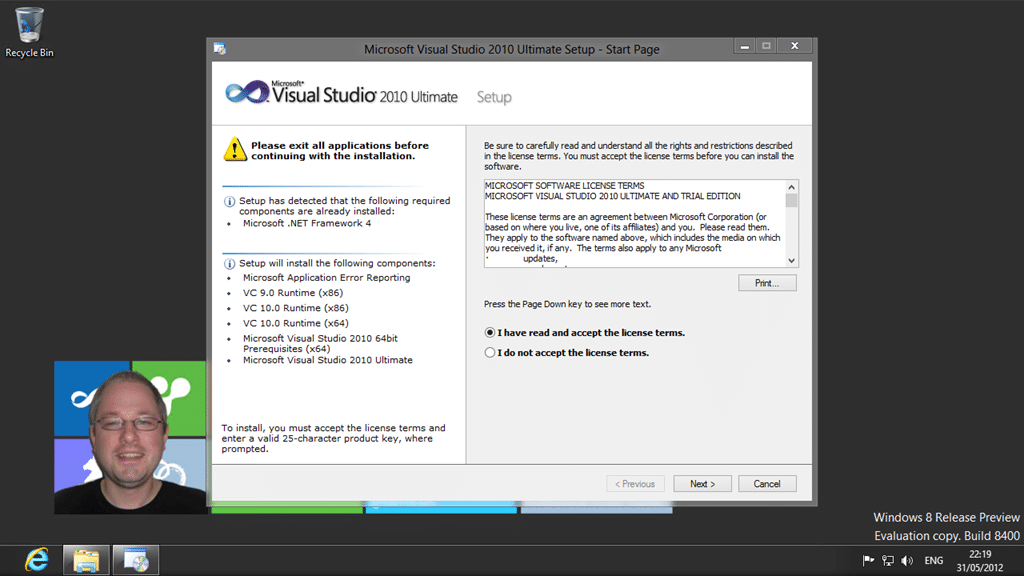
image
Figure: Installing Visual Studio 2010 on Windows 8

I will be using the VM to both work and demo with Visual Studio 2010 against any version of Team Foundation Server. I have a VM with TFS 2010 and my new one with TFS 2012. I will be doing a full install of 2010 for two reasons. First I don’t know what I will be called upon to demo until I am, sometimes with little or no prep time coz customers like you to “jump to”. Second is that I hate going to use a feature and it wither is not there, or pops a modal dialog asking for a DVD ROM or some other crap. I just want it to work.
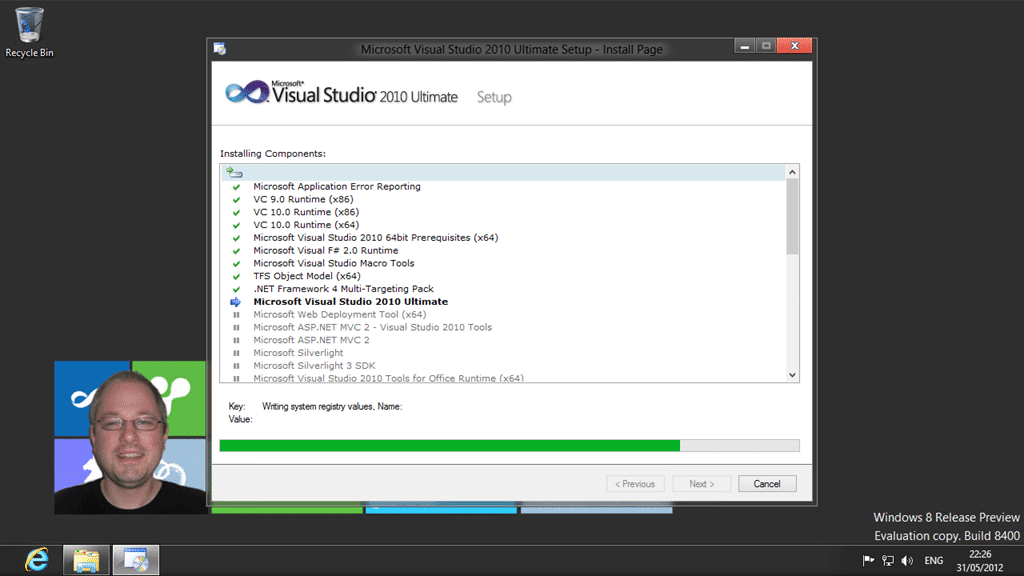
image
Figure: The install is running

I have often seen teams being required to use an old version of Visual Studio on a newer OS. I see many team using Visual Studio 2008 and even Visual Studio 2005 on Windows 7. I even used to do that myself. These days I tend to be only one version back. I count that from the latest supported version of Visual Studio and since Visual Studio 2012 has been supported in production since the Beta was released I am going with 2010 and 2012 Smile

Boy but Visual Studio installs fast on SSD’s…
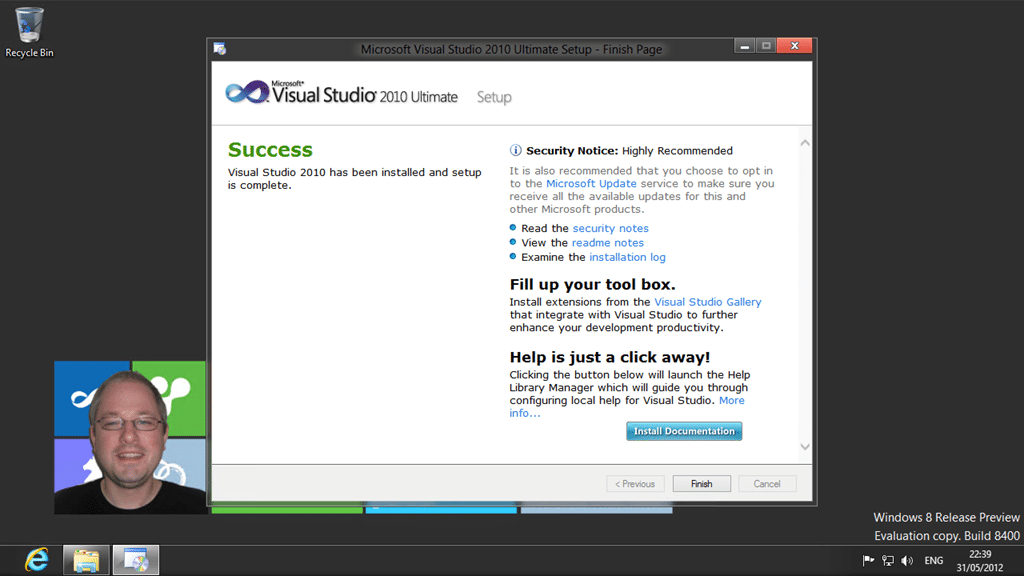
image
Figure: Almost all done

Well that went a lot smother than I was expecting… I really don’t know what I was expecting, but I am a little disappointed that everything just worked. Nothing for us geeks to fix!
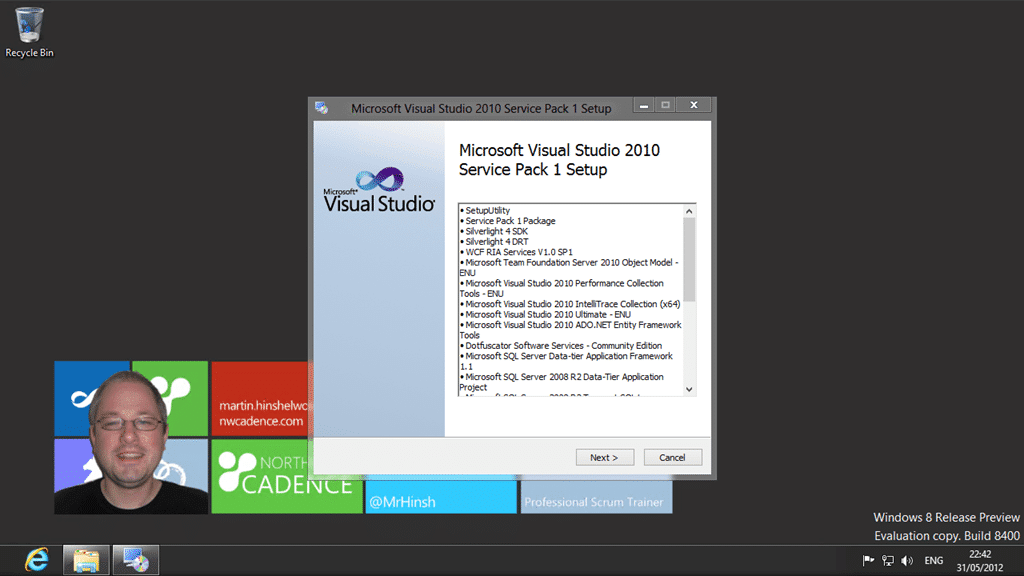
image
Figure: I don’t expect any problems here

Now why can’t the SharePoint team get their bits together to be able to do this? I bet I could install Visual Studio 2003 on here with no problems even if MSFT has not tested it. Could you imagine of Office did not work on the new OS? Heads would  roll…
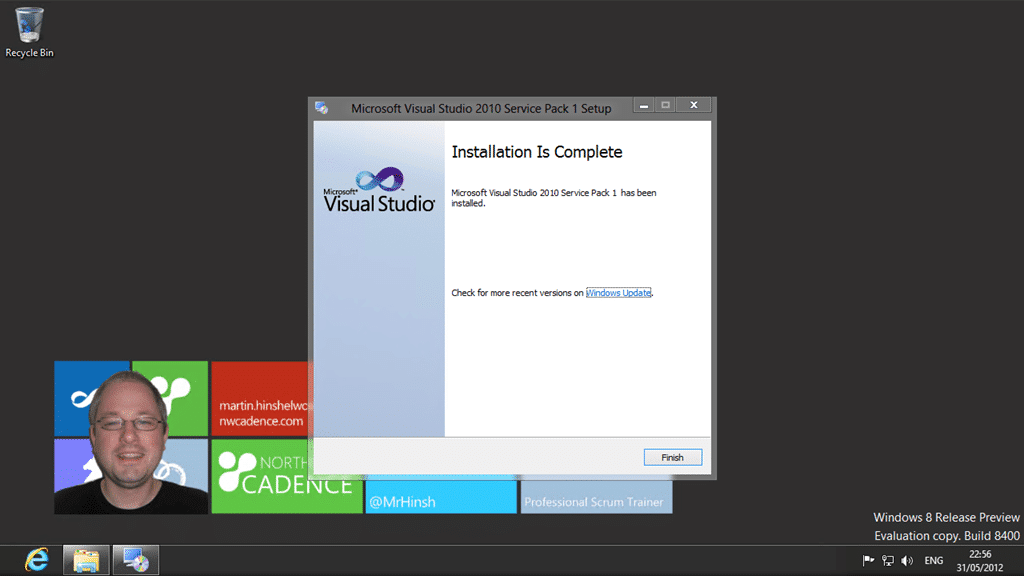
image
Figure: Woohoo….

Now lets fire this thing up…
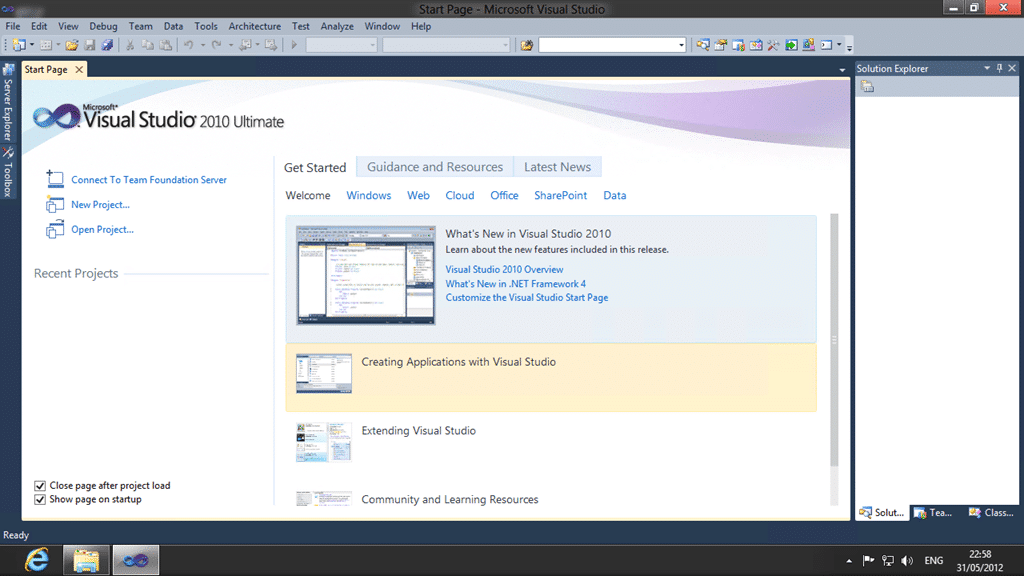
image
Figure: Looking good…

Now with no extra patch I will preform the miraculous feet of connecting to TFS 2012…
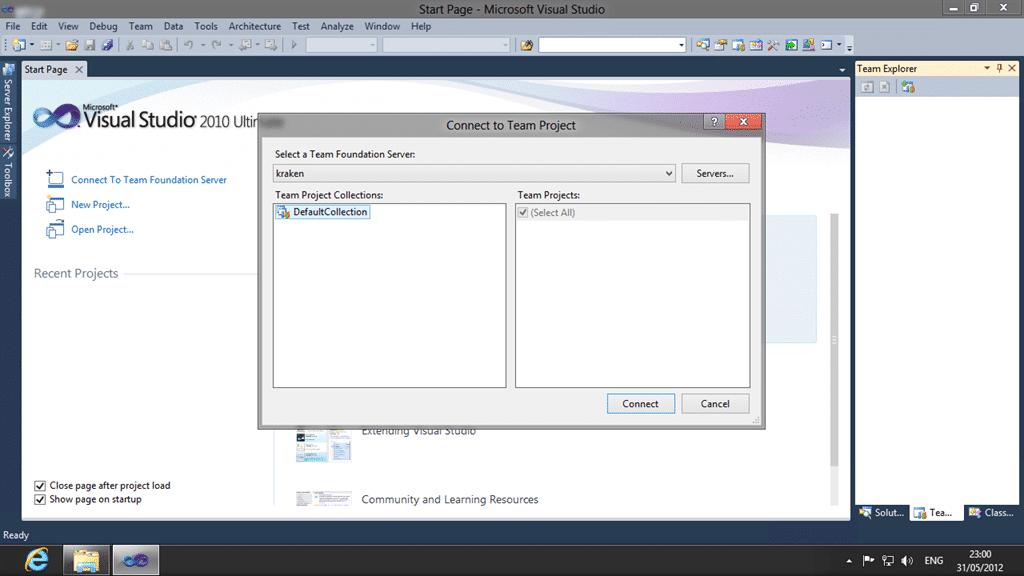
image
Figure: Look… no really long names forward compatibility update

Conclusion

Running Visual Studio 2010 on Windows 8 not only works, but works well. Don’t be afraid of Windows 8 for Visual Studio’s sake… just jump in and get going…

-Are you still deploying software to older OS’s? Did you know that that you can flip between VS 2010 SP1 and VS 2012 with no problems? Well we do and we know how. Contact info@nwcadence.com today…

-Every company deserves working software that successfully and consistently meets your customers needs. We can help you get working software with continuous feedback so that you agile teams can deliver continuous value with Visual Studio, Team Foundation Server & Scrum. We have experts on hand to help improve your process and deliver more value at higher quality.

[subscribe] While we love helping you individually we provide much of our resultant consulting understanding here for you to use. By writing about our experiences we gain a better understanding of them ourselves. You can get notified of all content that we publish with our weekly newsletter and see exactly what we are doing and how we are doing it. [/subscribe]

Tagged with →  
Share →
Buffer
  • Jaco ter Braak

    My VS10 install doesn’t get past the Application Error Reporting… it just fails there with some error code.

  • Jaco ter Braak

    My VS10 install doesn’t get past the Microsoft Application Error Reporting… I used Full installation and it just fails there with some error code:

    “Microsoft Application Error Reporting: [2] CMsiComponent::Install() expects the setup file for Microsoft Application Error Reporting, but the file failed verification.” I have redownloaded the VS10 iso from MSDN, but same result.

  • Jaco ter Braak

    My VS10 install doesn’t get past the Microsoft Application Error Reporting… I used Full installation and it just fails there with some error code:

    “Microsoft Application Error Reporting: [2] CMsiComponent::Install() expects the setup file for Microsoft Application Error Reporting, but the file failed verification.” I have redownloaded the VS10 iso from MSDN, but same result.

    • http://blog.hinshelwood.com/ Martin Hinshelwood

      I would check the forums! I have not seen that error…

    • Andrea Ci

      I have the same problem

      • http://blog.hinshelwood.com/ Martin Hinshelwood

        It sounds like you both have a corrupted download. Try using a download manager to download and maybe on a different network. I was only getting 30% QoS on my office network last week and all my downloads over 1GB did not work…

        Source: http://social.msdn.microsoft.com/Forums/en/vssetup/thread/00cc92a1-2a2c-44a9-ad87-288eef4b6273

        • Andrea Ci

          But I can install it with no problem on another pc (same iso)..
          however.. i will try on monday ;)

  • http://twitter.com/drazendurinic Dražen Đurinić

    My VS 2010 doesn’t recognize .NET Framework 4 on Windows 8.

  • http://twitter.com/drazendurinic Dražen Đurinić

    My VS 2010 doesn’t recognize .NET Framework 4 on Windows 8.

  • http://twitter.com/drazendurinic Dražen Đurinić

    My VS 2010 doesn’t recognize .NET Framework 4 on Windows 8.

    • http://blog.hinshelwood.com/ Martin Hinshelwood

      Can you share your exact error message? I have run this install a bunch of times recently as I am running a training course with VS 2010 in Windows 8…

  • Iwan Saputra

    when i running localhost with mysql connected through visual studio 2010, it stuck and error.. so i switch back to windows 7 and works perfectly..

    • http://blog.hinshelwood.com/ Martin Hinshelwood

      I unfortunately have no experience with MySql

  • Pingback: Installing Visual Studio 2010 on Windows 8 | ALM Mag

  • KBW

    I also just jumped in and installed VS2010 Premium with no problems and was able to start working right away. However, I noticed that the project references has some issue… the name “References” doesn’t show up in VS. This is a minor issue but it keeps me wondering what other issues may be lurking…

    I’ve decided to go with a VM running Windows 7 for development and I will test on Win8. I’m still trying to figure out how to run Hyper-V on Win8 though; doesn’t seem to come out of the box.

    • http://blog.hinshelwood.com/ Martin Hinshelwood

      Hyper-V does indeed come out of the box… you just need to go to “Add features to Windows” to enable it…

  • saim

    realy i want to jump again windows 7 there is sooooooo much issues with 8

    i share with u ( if no solution so i will install 7)

    Error while enabling Windows feature NetFx3.

    Applies to: Microsoft Windows Server 8 Beta, Microsoft SQL Server 2012 RC0, Microsoft Windows Server 2008 R2 Hyper-V.

    Problem Description.

    We were installing SQL Server 2012 RC0 on a Windows Server 8 virtual machine, and the installation was already in progress when we received the following error:

    Microsoft SQL Server 2012 Release Candidate 0 Setup
    The following error has occurred:
    Error while enabling Windows feature: NetFx3, Error Code: -2146498298, Please try enabling
    Windows feature: NetFx3 from Windows management tools and then run setup again. For more
    information on how to enable Windows features, see http://go.microsoft.com/fwlink/?linkid=227143

    so what i i do with sql server …..???
    i m using visual studio 2012 but sql server ???

    • david novella

      I got the same issue like you.
      After a searched at google, i found that the problem itself is because you need .net framework 3.x and this version is not installed by default on win 8, then you have to go to control panel > enable / disable window and check the .net framework 3.x. This will install it on your machine (you need internet connection in order to achive this).
      After the installation of .net framework 3.x (NetFx3) you can install sql server 2012 without problem.
      Good luck and i hope this can be of help to you.

      • http://blog.hinshelwood.com/ Martin Hinshelwood

        The SQL Install should add the feature that you need, but @google-7973205b47909258ab09a96c7d567b31:disqus is correct that you can ad it manually.. I think I have only had to do that once…

  • Pingback: Visual Studio 2010 profiler on Windows 8 issue | Erictummers's Blog